

Search K
Appearance
Document Composer uses a run first, configure second model. Rather than requiring you to set up data source connections before you can do anything useful, you create a template, drop it into your workflow or process, run it once, and then return to the Studio to configure it — with all the real data tokens from that run already available to you.
This means no upfront mapping of data sources. The template learns what data is available by being used.
Navigate to Document Composer in the MinuteView sidebar to open the Studio, then click New Template.
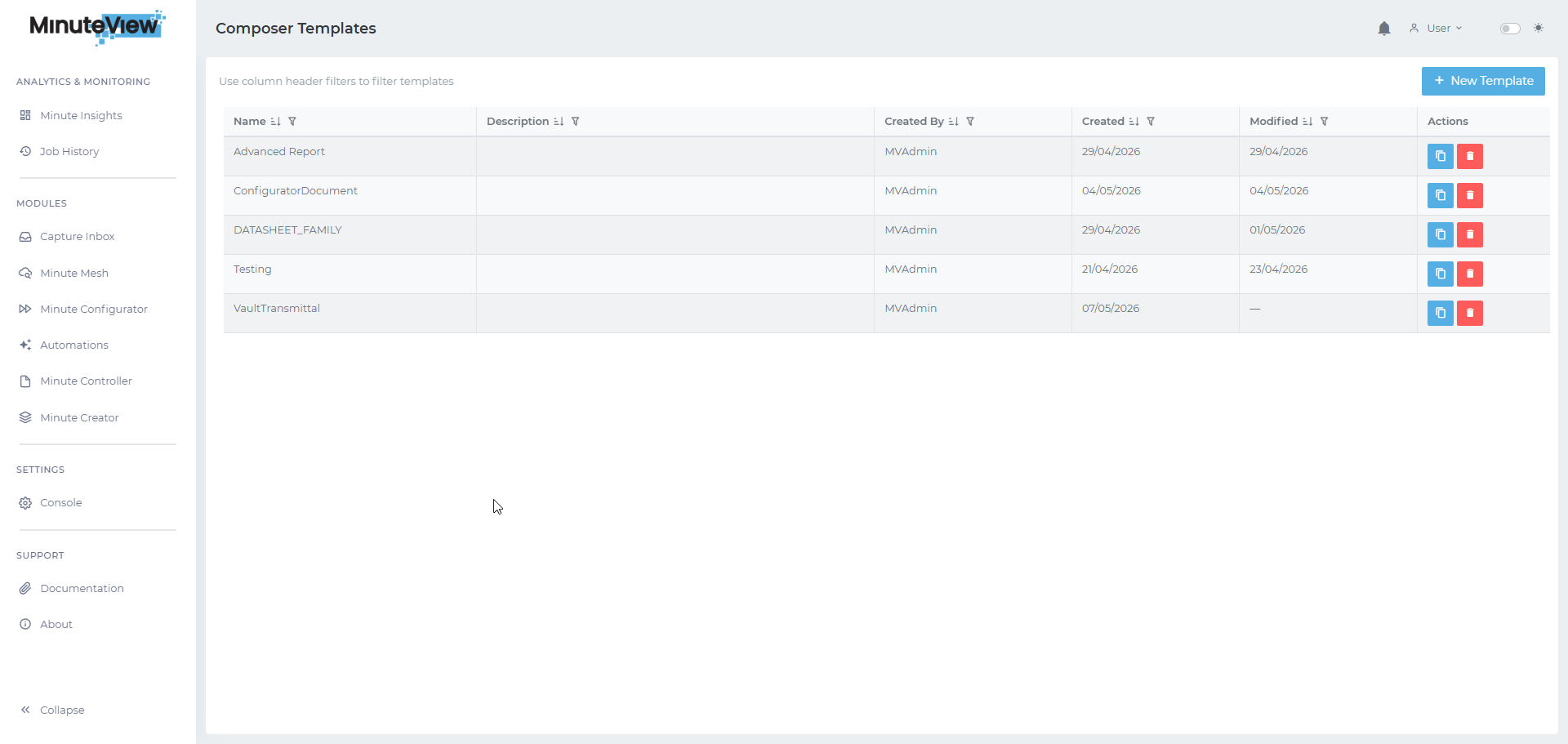
Give the template a descriptive name. That is all you need to do at this stage — no data source configuration, no field mapping. The template is ready to be referenced.
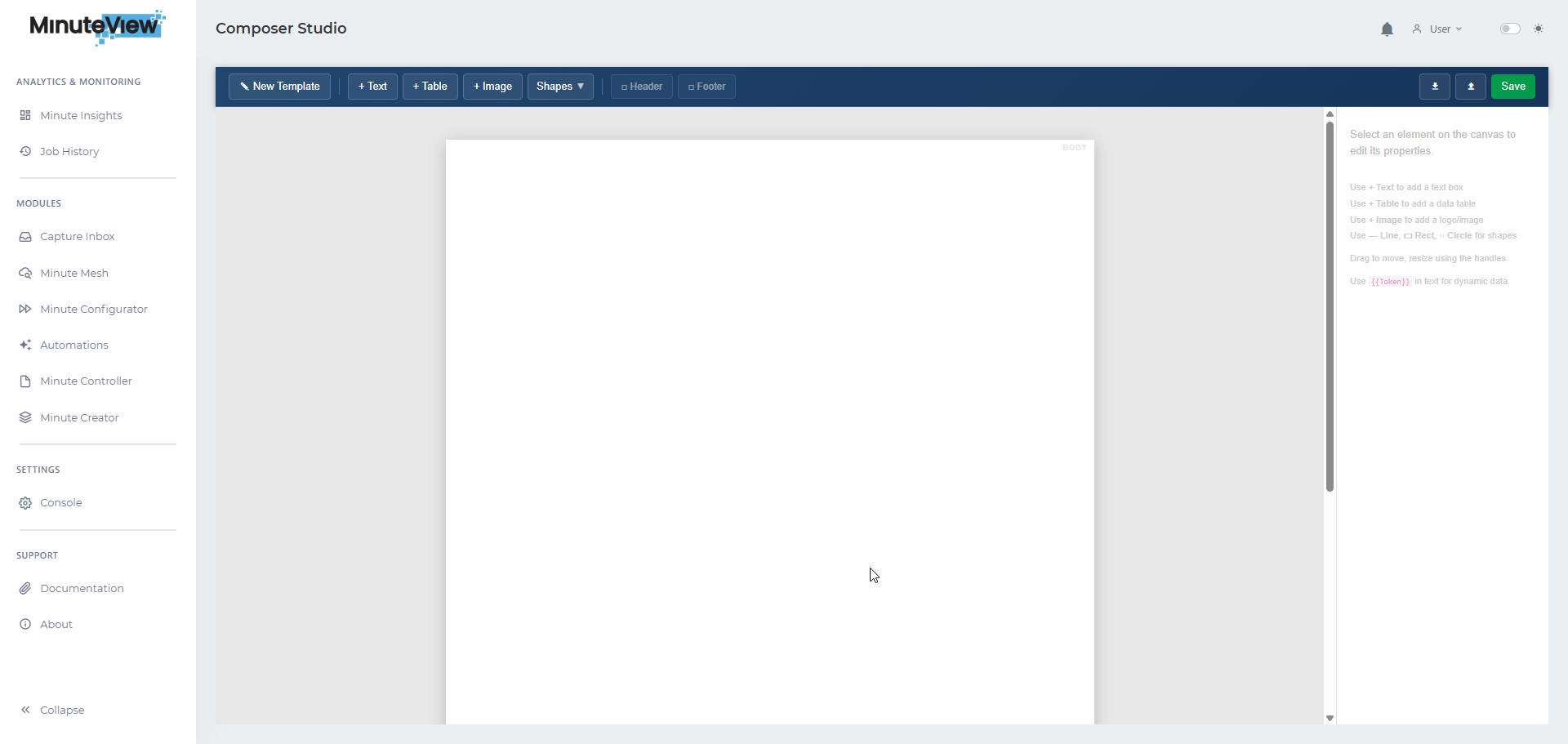
Reference the template from the module you want to generate documents in — a Workflow task node, a DocControl Transmittal action, or a Configurator output. Run the workflow or trigger the action at least once.
On that first run, the Document Composer Engine captures all of the variables and data tokens that were passed into the template. It stores them against the template automatically.
You do not need the generated document to be correct at this stage — this run is simply to teach the template what data is available.
Return to the Studio and open the template. Because it has been run, the token browser is now populated with every variable and data token that was present during the last execution.
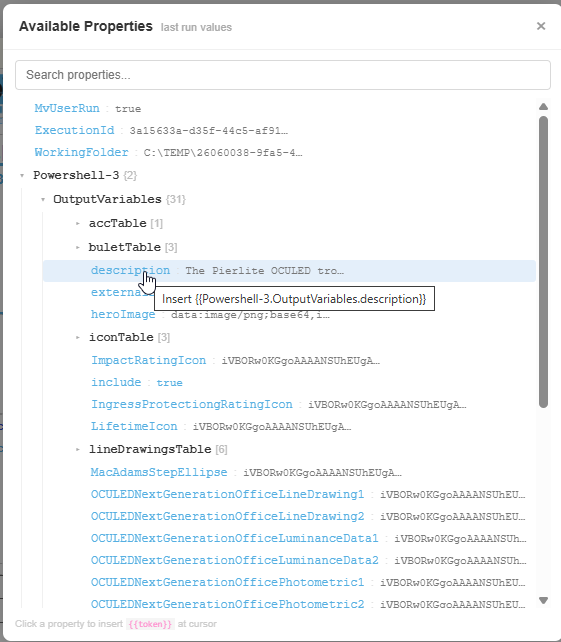
Use the token browser to browse all available tokens — workflow variables, integration data, metadata fields, and more — and insert them into your template by clicking on the token you want to use. The token is placed at the current cursor position in the document.
This is how you build up the template content: place your static text and formatting, then use the token browser to insert live data values wherever they are needed.
Because the token browser is populated from a real execution, you are always working with tokens that actually exist in your context — not a theoretical list. There is no risk of referencing a variable that is not available, and no need to understand the data model in advance.
As the workflow or process evolves and new data becomes available, simply re-run the template to refresh the token list.