

Search K
Appearance
The Configurator module can invoke Document Composer to produce formatted output documents from project data — such as reports, schedules, summaries, or any other structured document your process requires.
[Detail how Document Composer is configured within Configurator — which settings, how the template is selected per project or output action — once the Configurator integration is confirmed]
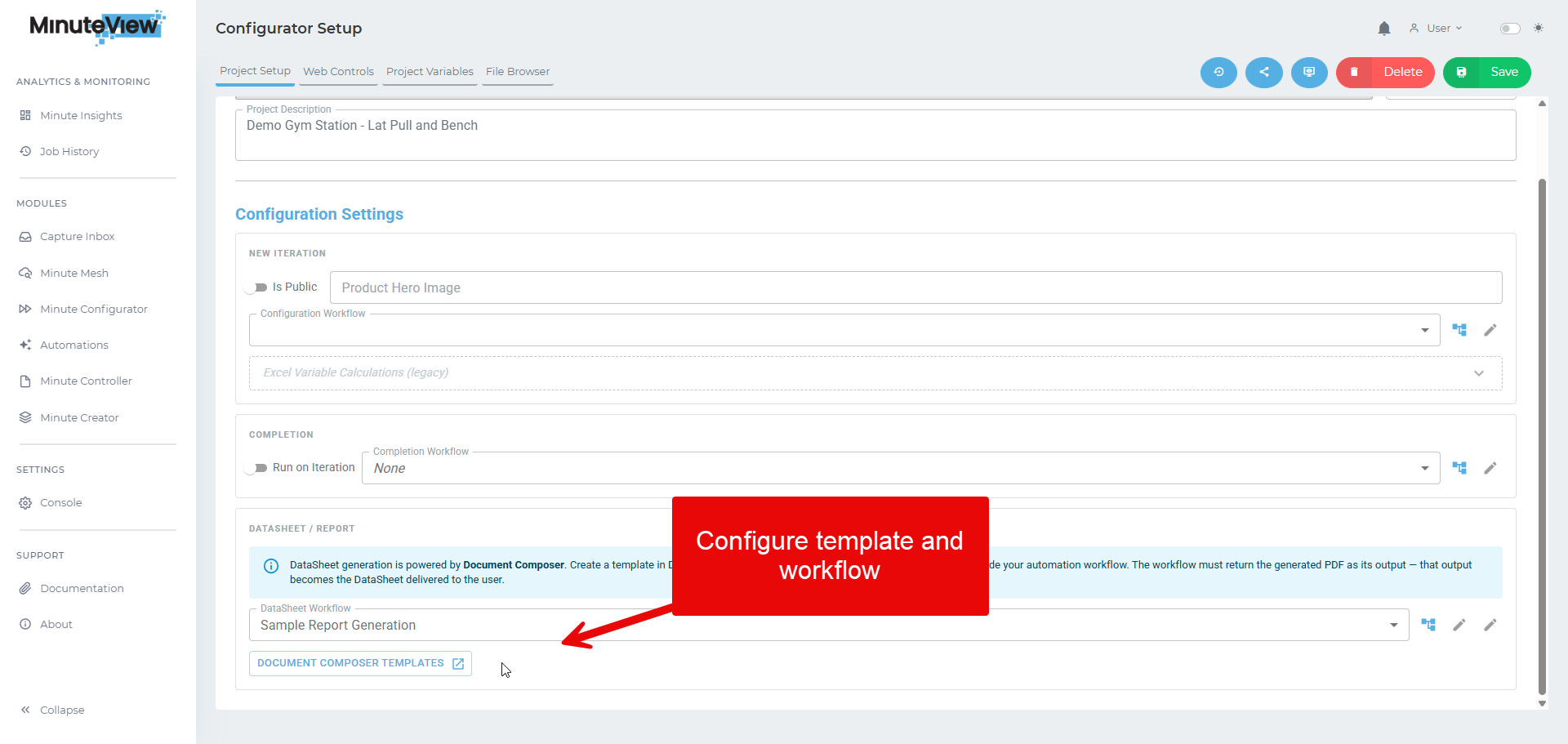
When a configured document generation action is triggered in Configurator, the current project's data context is passed to the Document Composer Engine. The Engine resolves all field bindings against the configurator data and produces the output document.
[Describe where the output document goes — saved to a path, downloadable, stored in a repository — once confirmed]