

Search K
Appearance
Templates are the starting point for all document generation in Document Composer. A template defines the document structure, layout, and field bindings that the Engine uses to produce output.
Navigate to Document Composer in the MinuteView sidebar. The Studio opens showing your existing templates (or an empty list if none have been created yet).
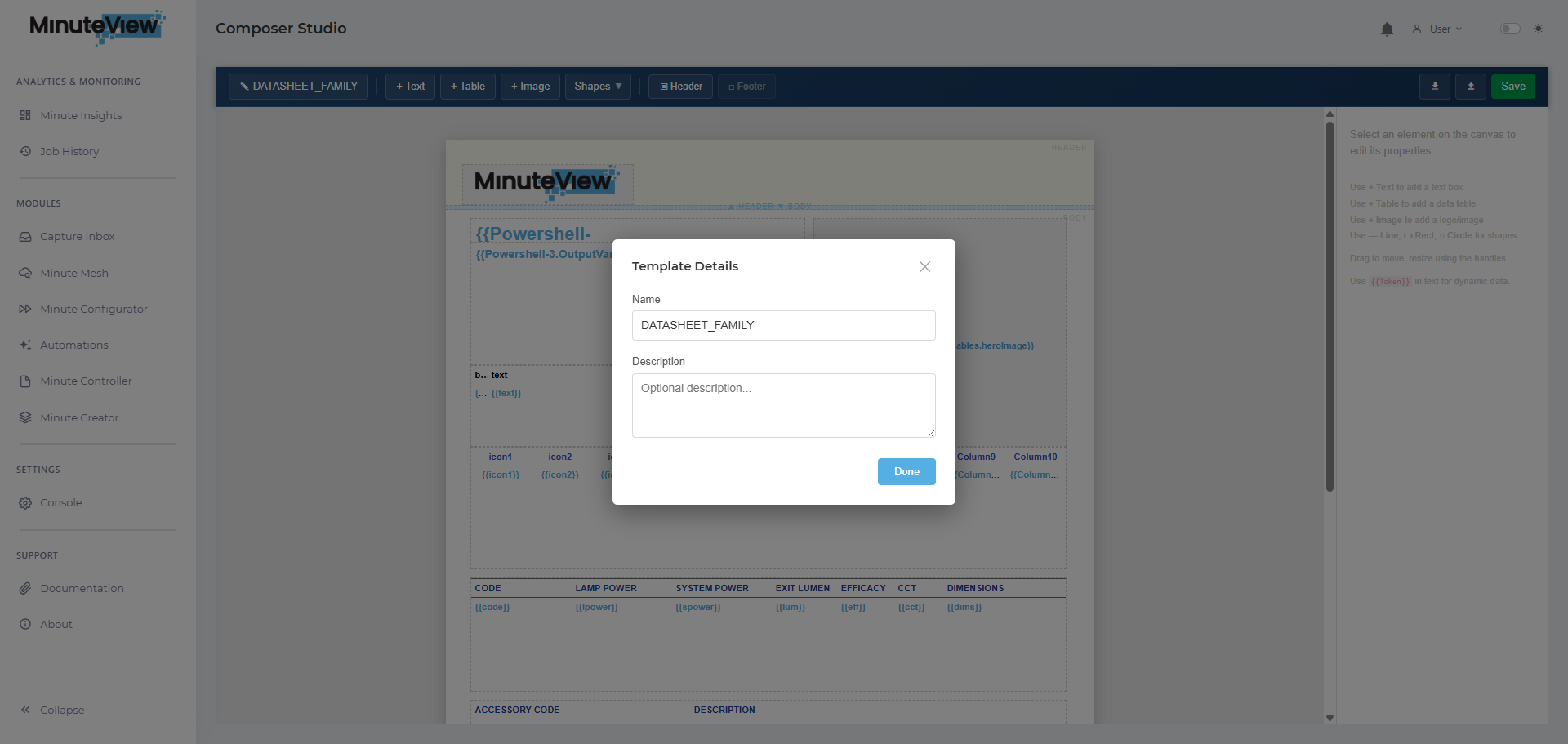
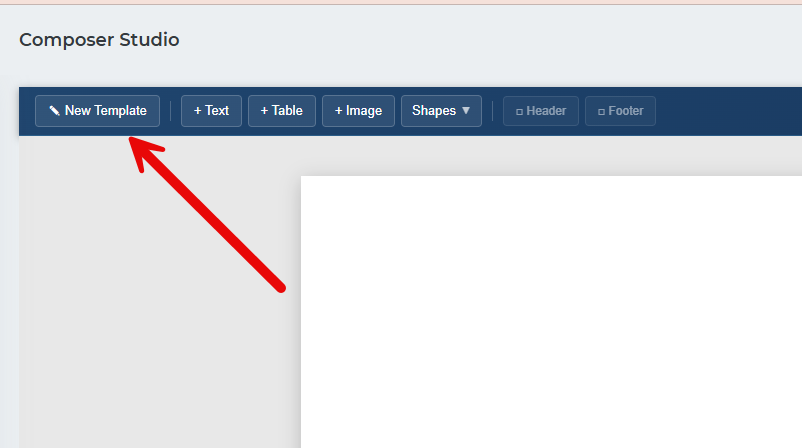
Click New Template to open the template creation form.
| Field | Description |
|---|---|
| Name | A unique, descriptive name for the template. This is how it will be referenced from Workflow, DocControl, and Configurator. |
| Output Format | The format of the generated document (e.g. PDF, Word). |
[To be completed once Studio UI is confirmed — add description, tags, or other metadata fields here]
Click Save (or Create) to create the template and open the editor.
Once created, the template editor opens. This is where you build the document structure.
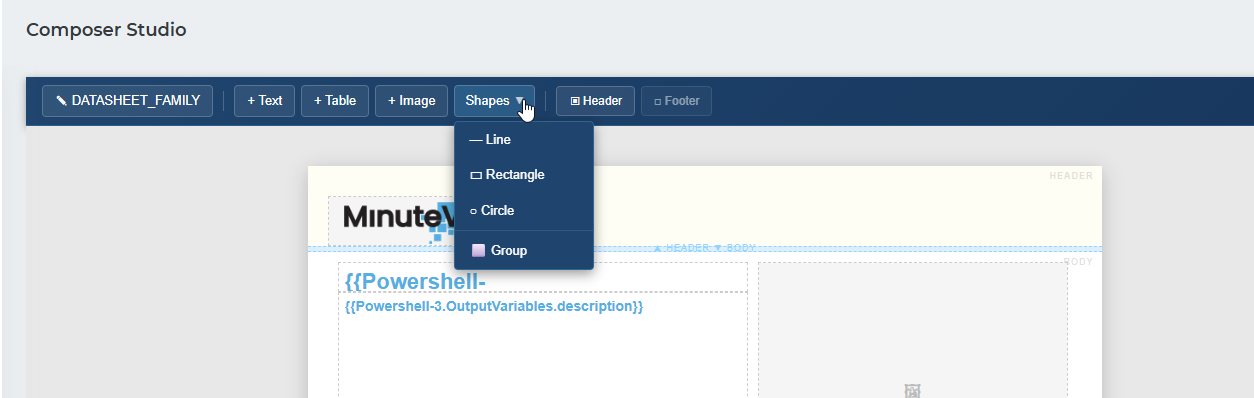
[Detail the editor layout, toolbar, and available actions once the Studio UI is confirmed]
Changes to a template are saved using the Save button in the editor toolbar. Saving does not affect documents that have already been generated — only future generation runs will use the updated template.